Promoted Products
Whitelabel partners can now promote selected credit provider agents directly inside the AVICA form flow. A common setup is a comparison page where the user clicks a specific provider and then continues into the whitelabel application form with that context attached.
When AVICA Group receives applications with promoted products, the customer will be sent directly to the promoted product website if they are eligible. If they are not eligible, the customer will be presented with similar products.
Common use cases are:
- Product listings on your website.
- Product listings in email send-outs.
Before implementation, make sure your AVICA account representative has:
- Enabled promoted products for your whitelabel
- Shared which credit provider agents you are allowed to promote.
- Shared the exact promoted field names your market should use.
- Approved your use case and promotional material
Integration options
You can tell the loan application which product you are promoting by passing the promotionCode parameter in the prefill information. We only allow a set list of promotion codes, so always check with your AVICA account representative to confirm which codes are currently active.
Invalid promotion codes will be ignored silently. The standard user journey will be used, and commissions will be attributed according to your account default.
Example
<script>
financeServiceIo('renderForm', 'yl5spR1faypqzYZjsroW', '#wrapper .loan-application', {
    promotionCode: 'valid-promotion-code',
});
</script>
Promotion Codes
| Market | Promotion Codes |
|---|---|
| South Africa |
|
Demo Page
Comparison page implementation on MyLoan.co.za
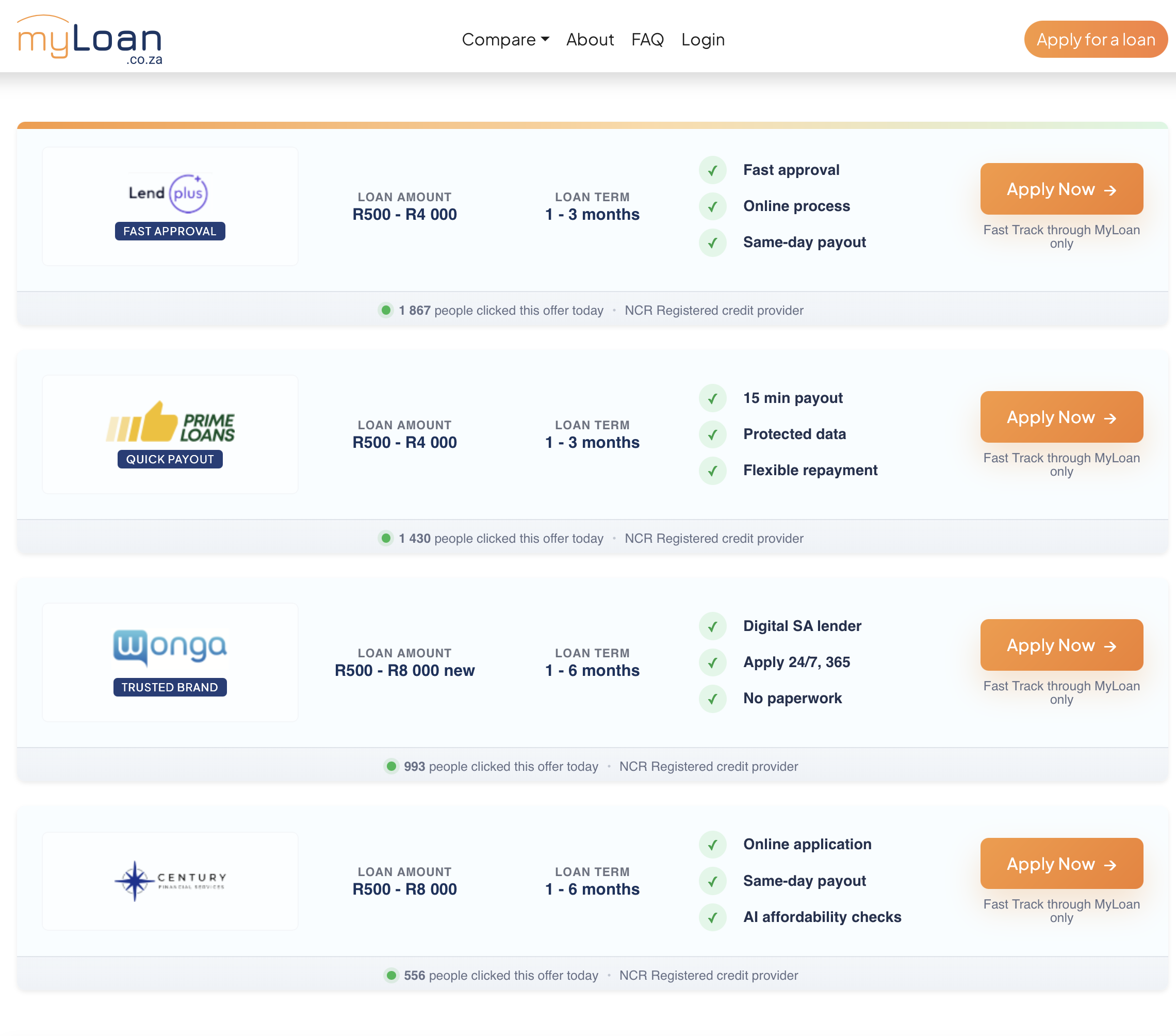 Comparison list page | 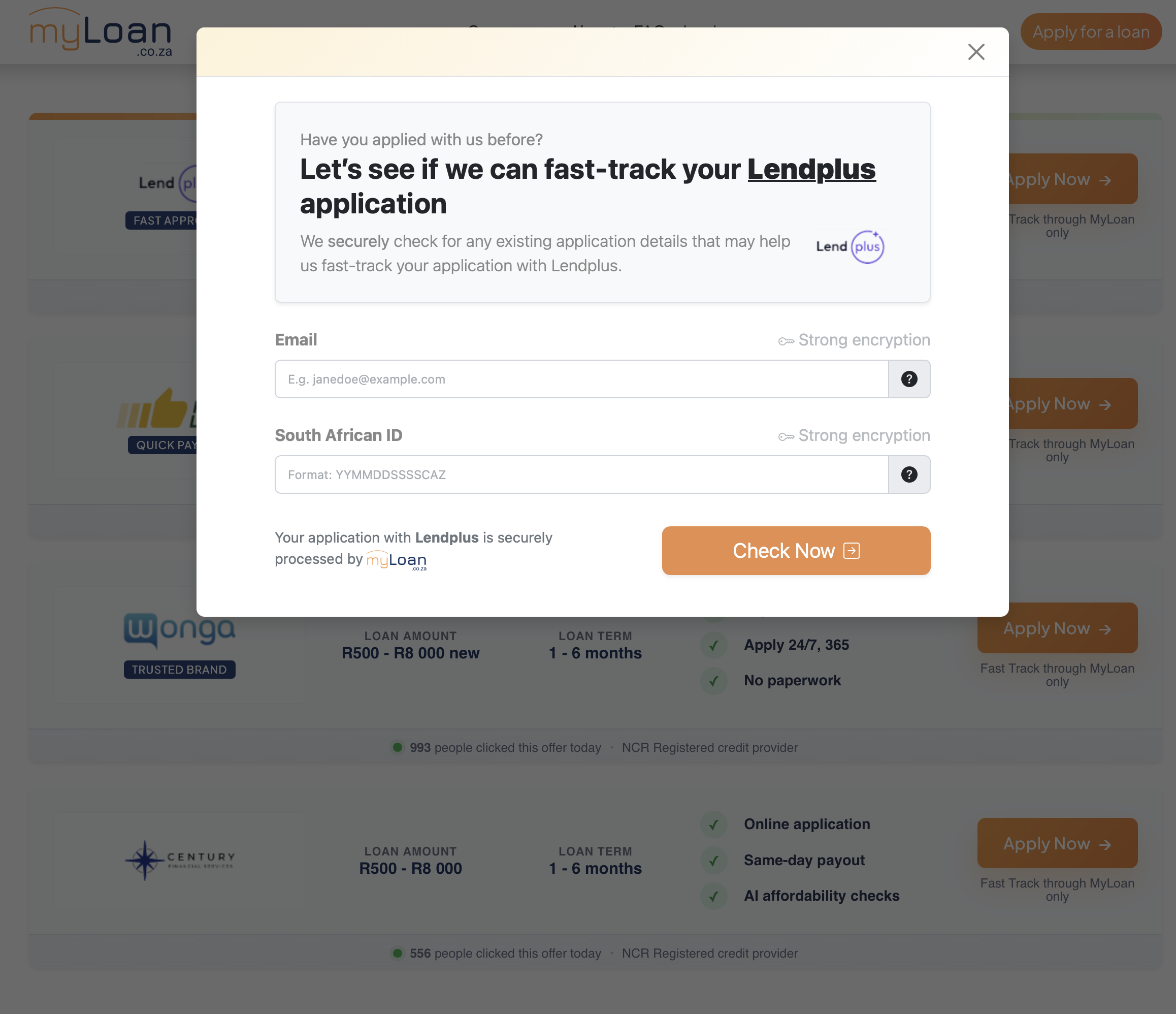 Provider click state |
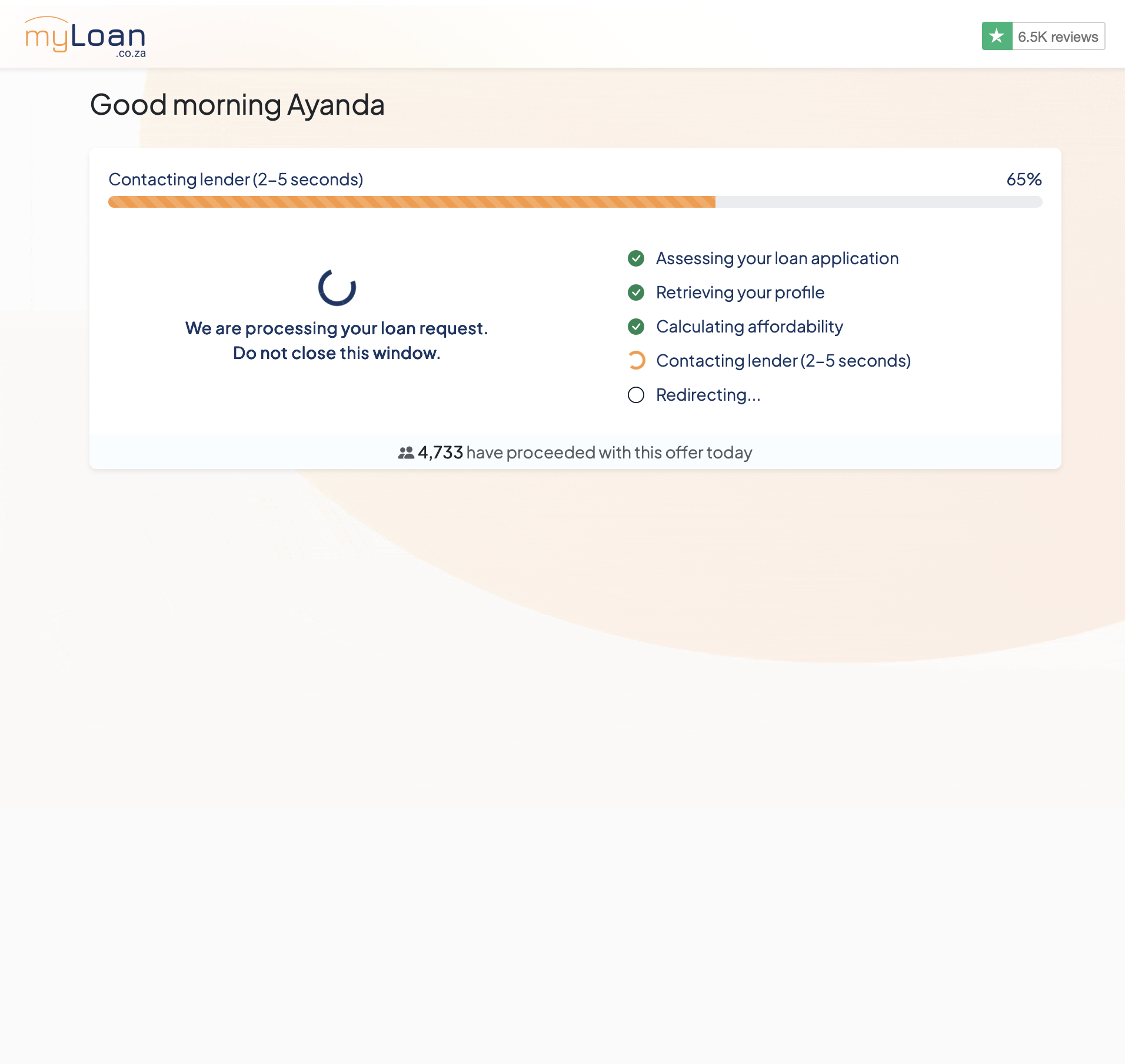 Eligibility check in progress | 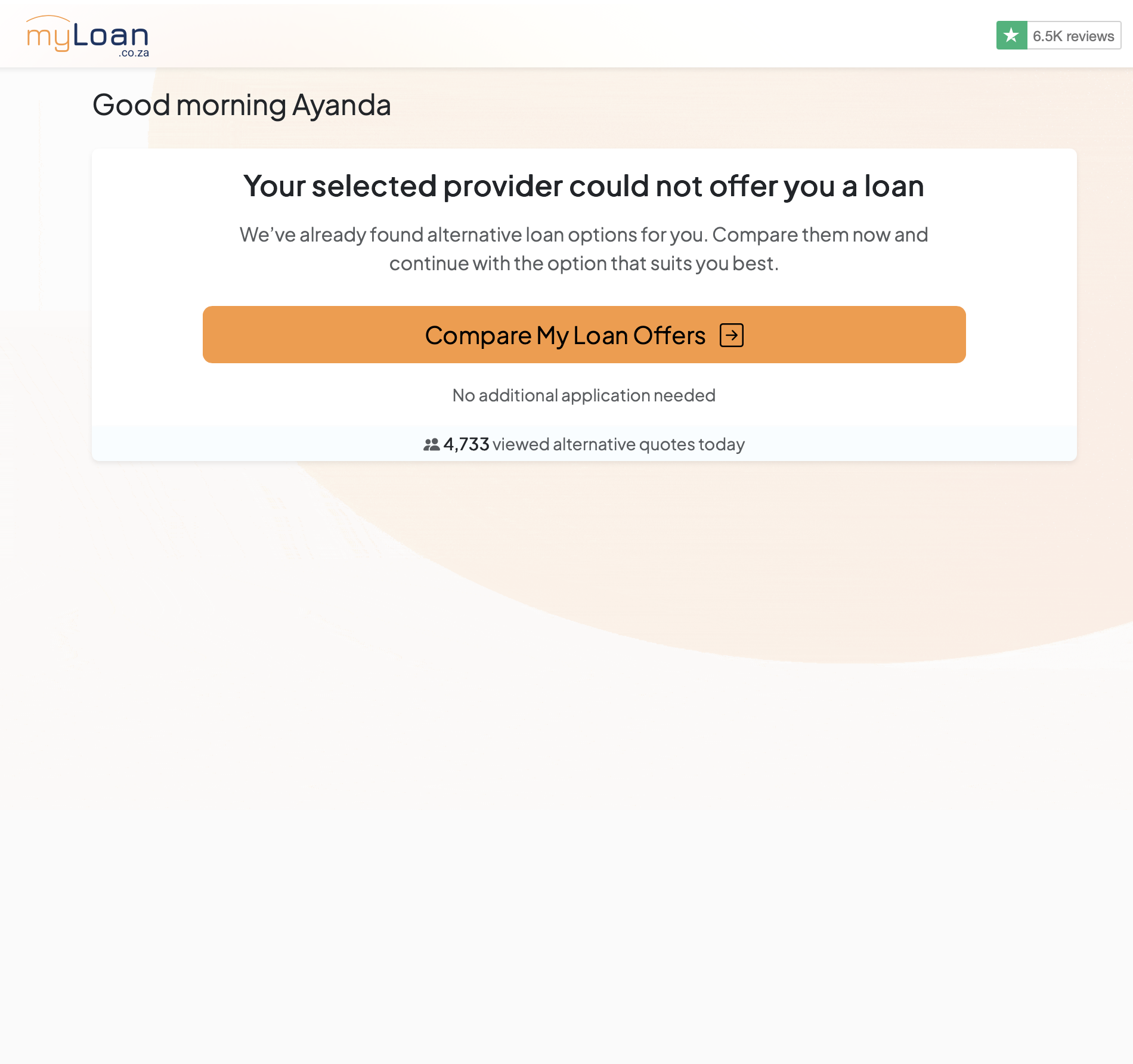 Alternative products shown |
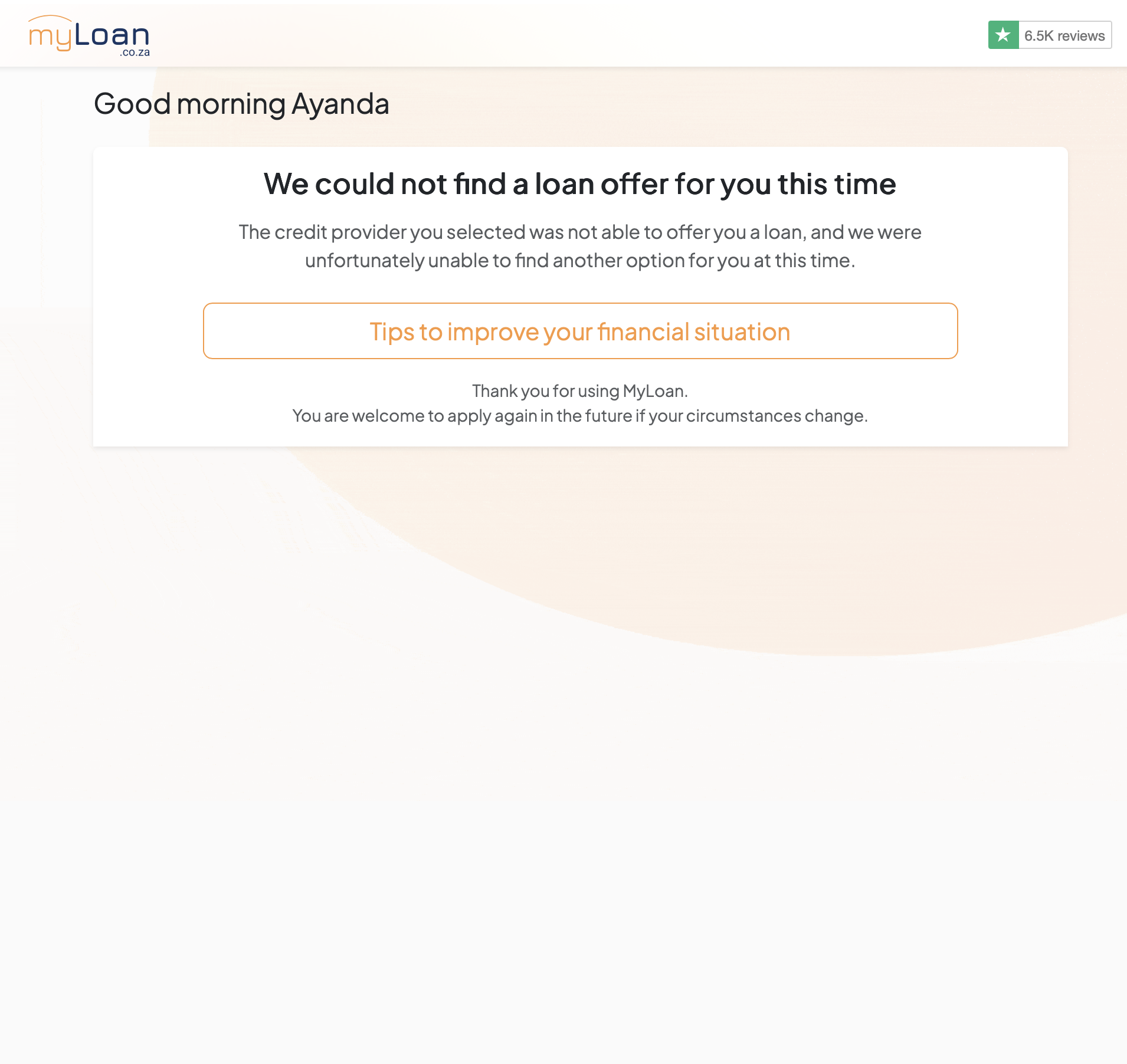 No matching product found |